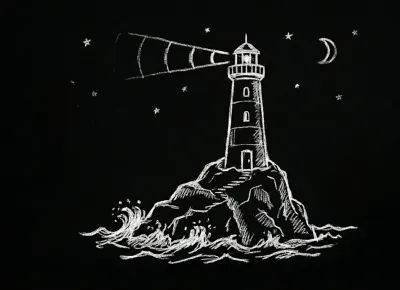
The Ocean: A Visual Language for Understanding Code
How VENORE uses nautical metaphors to make complex codebases feel navigable. Islands, lighthouses, bridges, and castaways.
Design ·
Visual mastery for you. Structural truth for your AI. Finally, a shared reality for the entire engineering team—biological or synthetic.
Format
.context.md
status: stable
layers:
  - context
  - tests: 85%
Performance
<100ms
File sync
60fps
Rendering
Features
VISUALIZATION
Isometric Grid
Each feature as a tower showing maturity status
SYNC
<100ms
Real-time updates .context.md detection
CONNECTIONS
Visual Links
Dependencies as animated lines
LAYERS
4 Levels
context · integration docs · tests
STATUS
Color-coded
stable · in-progress critical · deprecated
AI AGENT
Auto-generate
.context.md files configurable depth
How it works
Run the AI agent to auto-create .context.md files instantly, or add them manually for granular control.
Open VENORE and select your root folder. The engine indexes and syncs your codebase in real-time.
Pan, zoom, and click. Watch dependencies light up and visualize your architecture's health.
Share visual context with your team. Everyone sees the same architecture, from junior devs to AI agents.
From the Blog
How VENORE uses nautical metaphors to make complex codebases feel navigable. Islands, lighthouses, bridges, and castaways.
I didn't start VENORE with the intention of building a tool in the traditional sense. It began as a personal frustration.
A few days into building VENORE, I researched existing approaches to code documentation and context for AI. These are my findings.
Transform how you understand your projects with VERONICA AI.